



EnTech IT Solutions Blogs
Helpful Blogs Posts to keep you in the know!
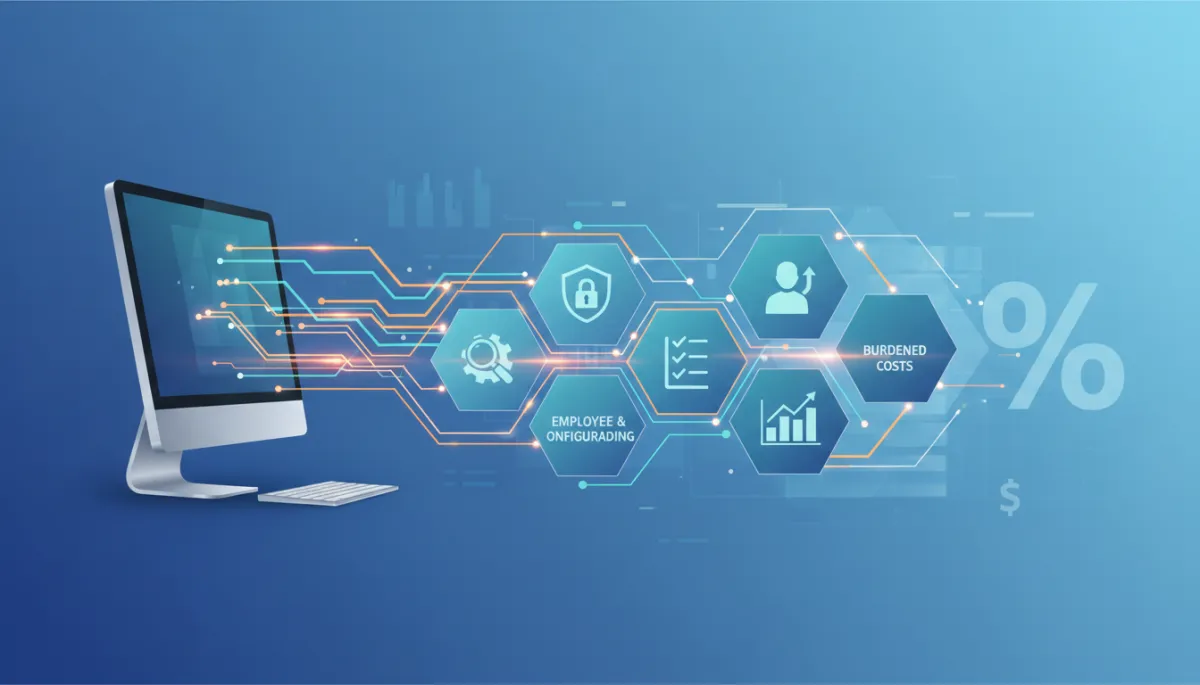
Understanding the True Cost of New Business Computers
Business IT, Computer, Accounting, Burdened Costs
The True Cost of Putting a New Business Computer Into Production
A new computer’s sticker price is only the starting point. To make that machine secure, reliable, and productive for your team, you’ll invest significant time and expertise that rarely shows up on the invoice but absolutely shows up in your accounting and burdened costs.
1. Purchase Price: Only the Starting Point
When budgeting for a new business computer, it is tempting to focus on the retail price: the number on the quote or shopping cart. From an accounting perspective, however, that figure represents just one component of the total investment. The real expense includes the time, tools, and expertise required to put that computer into production in a way that aligns with your security standards, workflows, and compliance needs. Ignoring these additional costs leads to under-budgeting and unpleasant surprises later.
2. Research: Choosing the Right Computer for the Job
Before a purchase order is ever issued, someone must research options: comparing models, specifications, warranties, vendors, and pricing. This research phase often involves IT staff, managers, or agency owners reviewing performance requirements, software compatibility, and long-term support. Even if no check is written for this step, the labor has a real burdened cost: salary, benefits, and overhead for the employees doing the work. For accurate accounting, this time should be considered part of the computer’s acquisition cost, not overhead that disappears into the background.
3. Configuration: Turning Hardware into a Business Tool
Once the computer arrives, it does not magically fit your environment. IT staff or a service provider must configure the operating system, install business applications, connect the machine to your network, and apply company standards. This configuration work often includes creating user profiles, setting up printers, mapping network drives, and integrating cloud services. Every hour spent here increases the fully burdened cost of the machine, because the work is directly tied to making that specific asset usable and productive for your organization.
4. Security: Protecting Data, Clients, and Reputation
For businesses and agencies, a computer in production must be secure from day one. That means installing and configuring endpoint protection, setting up disk encryption, enabling firewalls, applying policy controls, and ensuring backups are in place. Security baselines, multi-factor authentication, and role-based access all take time to implement and validate. From an accounting standpoint, these activities are not optional extras; they are part of the true deployment cost and should be included when you calculate the asset’s total cost of ownership and risk management.
5. Testing: Ensuring Reliability Before Go-Live
A properly deployed business computer is tested before it ever reaches an end user. IT teams verify that line-of-business applications run correctly, that updates install without breaking anything, and that the device behaves predictably on your network. This testing phase may also include pilot use by a power user or manager. The time spent here reduces support tickets and downtime later, but it also adds to the burdened deployment cost. From a financial perspective, this is an investment in quality control that should be recognized as part of the computer’s setup expense.

Thorough testing upfront saves hours of support time and lost productivity later.
6. Employee Onboarding: Training and Transition Time
Even after a computer is configured and tested, it is not yet delivering full value. The employee who will use it needs time to log in, personalize settings, reconnect cloud accounts, and learn any new tools or workflows. Someone—often IT or a supervisor—must walk them through best practices, security expectations, and how to access support. During this onboarding window, the employee’s productivity is partially reduced, which is another form of cost that should be recognized in your accounting model. The work performed here directly affects how quickly that computer becomes a productive asset instead of a distraction.
7. Why the Fully Burdened Cost Can Approach Twice Retail
When you add together research, configuration, security, testing, and employee onboarding, it is common for the fully burdened cost of a business computer to approach twice the retail price of the hardware. For example, a $1,200 workstation might require another $800 to $1,200 worth of internal labor, consulting time, software, and onboarding activities before it is truly in production. From an accounting perspective, treating only the purchase price as capital and ignoring the associated work underestimates the real cost of the asset and distorts your profitability analysis on projects and clients.
8. A Practical Budget Range for Businesses and Agencies
For planning purposes, many organizations find it realistic to budget roughly 1.5 to 2 times the computer’s retail price as the total deployed cost. If you are buying a $1,000 to $1,500 machine, plan on a fully burdened deployment cost in the range of $1,500 to $3,000 per user, depending on complexity, compliance requirements, and internal labor rates. This range gives room for professional setup, security hardening, data migration, and user training, instead of forcing your IT team to “make it work” without proper time or resources.
9. Accounting for Work Performed and Its Impact on Expenses
Understanding these deployment activities from an accounting perspective is essential for accurate budgeting and pricing. The work performed—whether by internal IT, an outside agency, or a managed service provider—should be captured as part of the computer’s acquisition and setup costs. This improves visibility into your true technology spend, clarifies the return on investment for each device, and helps agencies properly price their services. When you recognize that the computer is only one line item in a larger deployment process, you can make better decisions, reduce surprises, and ensure that every new device supports your business goals from day one.


Connect
Call Or Text:
Email: [email protected]
Address: 2 W Dry Creek Circle Suite 100 Littleton, CO 80120
Let's Start a Conversation today!